








Press-on nail size calculator
Measure your natural nails in millimeters and get your exact size codes — works with all BTArtbox press-on nail collections using the standard 0–9 size system.
Enter your nail widths
Measure the widest part of each natural nail in millimeters. Use a soft measuring tape or ruler.
Your press-on nail size profile
These size codes are based on the industry-standard 0–9 system used across all BTArtbox press-on nail collections.
| Finger | Your width | Universal code | Size range | Fit |
|---|
How to use these codes anywhere
When shopping any press-on brand, look for the size chart on the product page. Match your universal code (0–9) to the brand's listed mm range. Most brands use the same breakpoints, but some may vary by ±0.5 mm. If your measurement sits on a breakpoint, size down for a snug fit. If a brand only lists S/M/L, use your thumb code as the guide: sizes 0–2 = L, 3–5 = M, 6–9 = S.
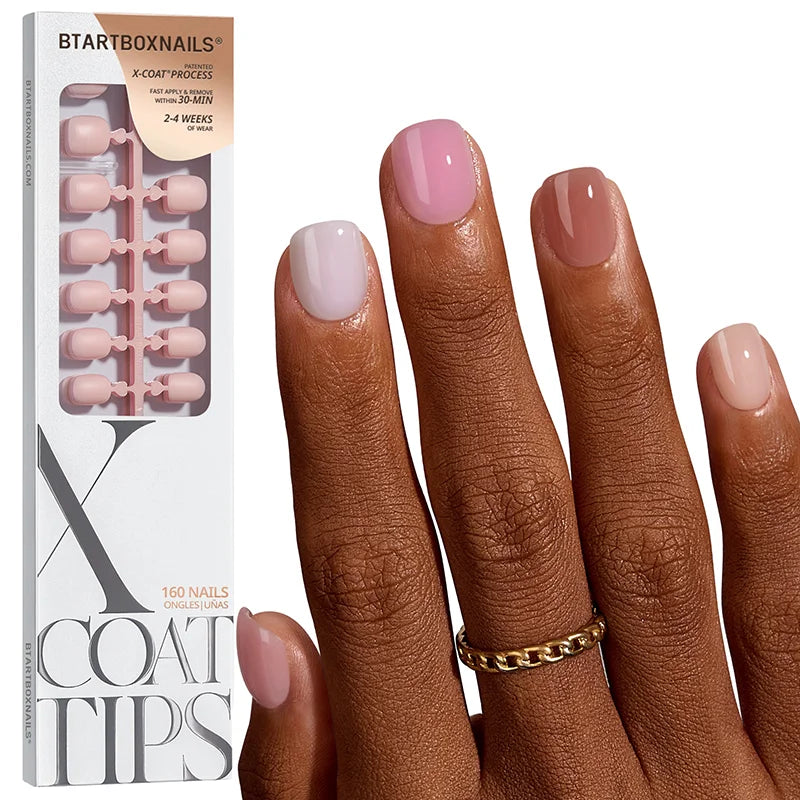
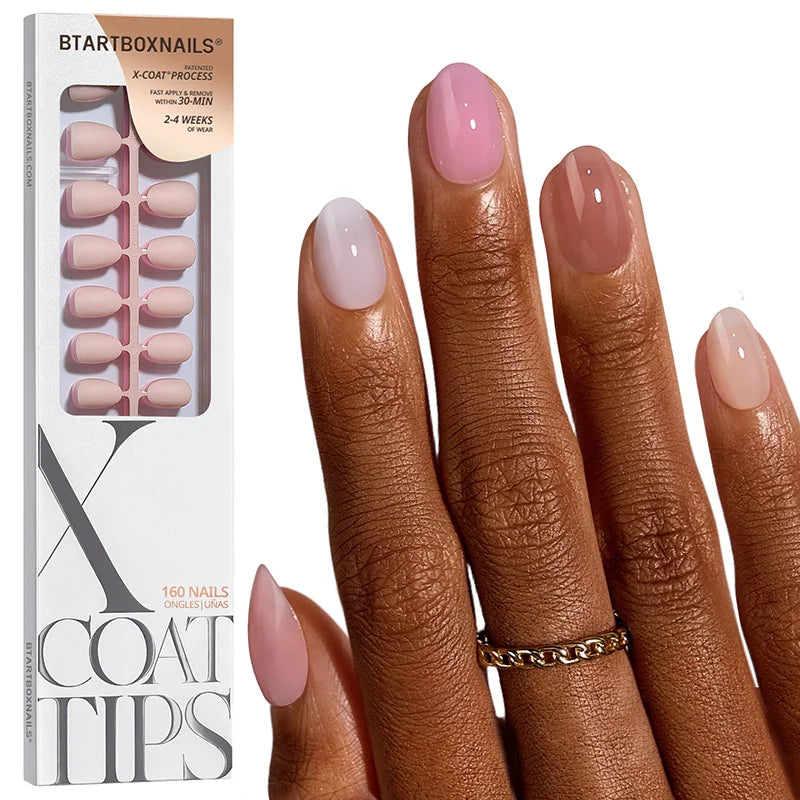
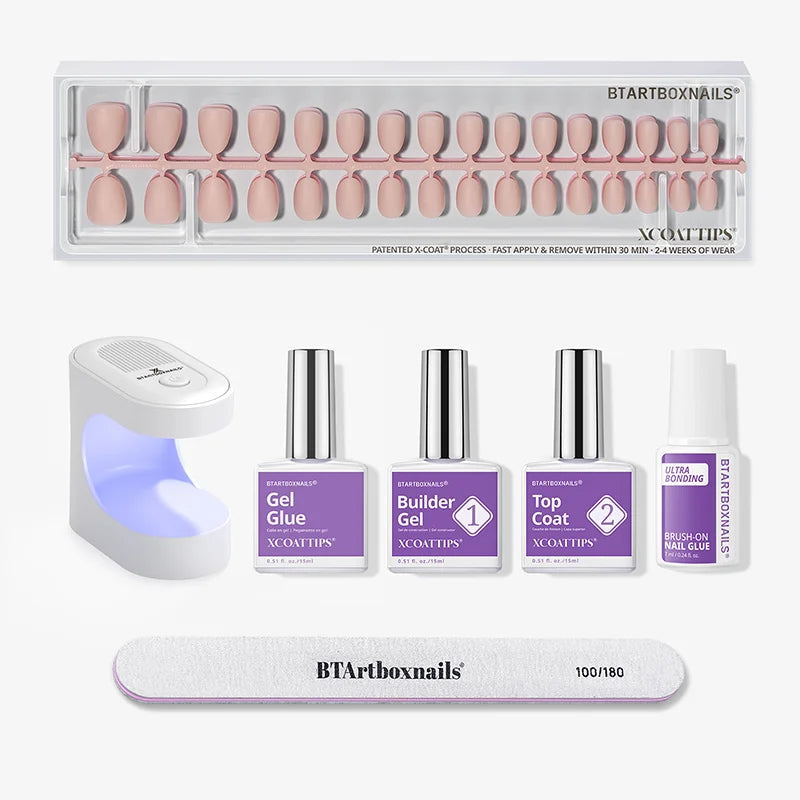
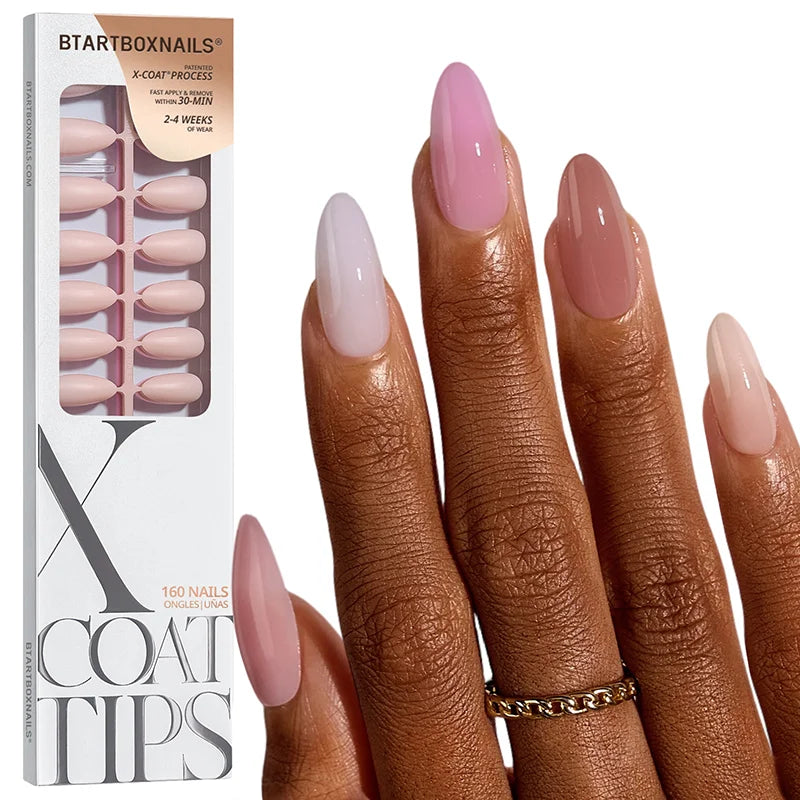
Recommended BTArtbox sets for your profile
Press-On Nail Size Calculator: How to Measure Nails for Press-Ons and Get Your Exact Fit Every Time
Use our free press-on nail size calculator to measure your nails in millimeters and get exact size codes. No more guessing, no more returns.
Key Takeaways
- The press-on nail size calculator eliminates the #1 reason press-on nails fail — wrong sizing — by converting millimeter measurements into exact manufacturer size codes
- Most press-on nail sets include 10 to 16 individual sizes per hand, and knowing which size corresponds to each finger prevents the gaps, overhang, and lifting that make press-ons look fake
- Measuring takes under 60 seconds with a soft tape or ruler; the calculator does the math instantly and shows your size profile plus the mm range for each code
- The 0–9 size system is an industry standard used by nearly every professional press-on brand — your codes work everywhere
- Sizing down (choosing the smaller of two close sizes) creates a snugger, more natural fit that lasts longer and resists popping off at the cuticle
The Direct Answer: Why a Press-On Nail Size Calculator Matters
Press-on nails are the fastest-growing category in at-home beauty. The global press-on nail market is projected to exceed $1.2 billion by 2027, driven by consumers who want salon-quality manicures without the salon price tag or time commitment. But there is one problem that stops more first-time buyers from becoming repeat customers than any other: fit anxiety.
The most common complaint in press-on nail reviews is not the design, the glue, or the durability. It is that the nails do not fit. A size 5 on the ring finger that gaps at the sidewalls. A thumb tip that overhangs by 2 mm and catches on hair. A pinky that is too wide and lifts within hours. These are not product defects. They are sizing errors.
A press-on nail size calculator solves this by removing guesswork from the equation. Instead of eyeballing a plastic sizing chart or ordering a set and hoping the included sizes work, the calculator takes an objective measurement — the width of your natural nail bed in millimeters — and maps it to the exact size code the manufacturer uses. Because the 0–9 system is an industry standard, these codes work whether you shop BTArtbox press-on nail collections.
This matters for conversion. E-commerce data consistently shows that sizing uncertainty is the top reason shoppers abandon press-on nail carts. A calculator on the product page or in a blog post directly addresses that objection, reduces return rates, and increases reorder frequency because customers who get the right fit the first time come back for more styles.
How the Press-On Nail Size Calculator Works
The calculator is a three-step tool built on the standard 0–9 size system used by BTArtbox and most professional press-on nail manufacturers. Here is exactly how it functions and why each step is designed the way it is.
Step 1: Measure the widest point of each nail bed
The user measures across the widest part of the natural nail — not the free edge, not the cuticle line, but the broadest section of the nail plate. This is done in millimeters because the 0–9 size system is calibrated to millimeter ranges. A soft sewing tape, a small ruler, or even a printable measuring guide works. The calculator accepts half-millimeter increments (14.5 mm, for example) because nail beds often fall between whole numbers.
Step 2: Input the five measurements
The calculator collects width data for all five fingers: thumb, index, middle, ring, and pinky. Each finger is measured independently because press-on nail sets are not symmetrical — the thumb is almost always the widest nail, the pinky the narrowest, and the index and middle fingers often differ by 1–2 mm. Treating the hand as a single "medium" size is the mistake that leads to mixed-fit results.
Step 3: Receive your size profile
The calculator runs each measurement through an ascending size map. The logic is simple but precise: it checks the measurement against a range table from smallest to largest and returns the first size code where the measurement fits. For example, a 14.0 mm index finger hits the "max: 14.0" threshold for size 5. A 17.5 mm thumb hits the "max: 18.5" threshold for size 2.
The output includes:
- A five-digit size profile (e.g., 2-5-4-6-7) that works with BTArtbox collections
- The exact millimeter range for each assigned code (e.g., size 5 = 12.6–14.0 mm)
- A fit assessment for each finger: Perfect, Snug, or Roomy
- A shopping guide explaining how to use these codes when browsing BTArtbox collections
How We Built the Size Calculations
The calculator's size map is not arbitrary. It is reverse-engineered from the industry-standard 0–9 press-on nail sizing system used by BTArtbox and most professional nail tip manufacturers. Here is the methodology behind the numbers.
The 0–9 size system
In press-on nail manufacturing, sizes are numbered 0 through 9, where 0 is the largest and 9 is the smallest. This is counterintuitive — most consumers expect 0 to be the smallest — but it is the convention across the industry. Size 0 typically covers thumb widths from 20.1 mm to 22.0 mm. Size 9 covers pinky widths from 0 mm to 8.0 mm. The full range spans every common adult nail bed width.
We verified this system against multiple independent sources: BTArtbox's own product size charts, industry reference data, and the standard nail tip sizing used in professional acrylic and gel-x applications. The breakpoints are consistent across brands within ±0.5 mm.
The millimeter breakpoints
The breakpoints we use in the calculator are:
- Size 9: ≤ 8.0 mm (extra-small pinky)
- Size 8: 8.1–9.5 mm (small pinky)
- Size 7: 9.6–11.0 mm (small ring finger)
- Size 6: 11.1–12.5 mm (medium ring finger)
- Size 5: 12.6–14.0 mm (small index finger)
- Size 4: 14.1–15.5 mm (medium index finger)
- Size 3: 15.6–17.0 mm (large index finger)
- Size 2: 17.1–18.5 mm (medium thumb)
- Size 1: 18.6–20.0 mm (large thumb)
- Size 0: 20.1–22.0 mm (extra-large thumb)
Why the map is ascending in the code
The calculator's internal logic sorts the size map from smallest to largest (9 to 0) rather than the traditional 0-to-9 order. This is a programming necessity. The algorithm checks each measurement against the breakpoints in sequence and returns the first match. If the map were sorted 0-to-9, every measurement under 22.0 mm would incorrectly return size 0. The ascending sort ensures a 10.0 mm pinky correctly hits size 7, not size 0.
The fit assessment
After assigning a size code, the calculator calculates the difference between the user's measurement and the breakpoint ceiling. A difference of 0.0–0.5 mm returns "Snug" — the nail will fit tightly with minimal sidewall visibility. A difference of 2.0 mm or more returns "Roomy" — the nail may show slight gaps and benefits from a drop of glue at the edges. Anything between 0.5 mm and 2.0 mm returns "Perfect" — the ideal fit zone where the press-on covers the natural nail without overhang or gap.
Using your results with BTArtbox collections
When shopping any press-on collection, look for the size chart on the product page. Match your code (0–9) to the listed mm range. Most brands use the same breakpoints, but some may vary by ±0.5 mm. If your measurement sits on a breakpoint, size down for a snug fit. If a collection only lists S/M/L instead of numbers, use your thumb code as the guide: sizes 0–2 = L, 3–5 = M, 6–9 = S.
How to Measure Your Nails for Press-Ons: A Step-by-Step Guide
Accurate measurement is the entire foundation of the calculator. Here is the exact process we recommend.
What you need
A soft measuring tape (the kind used for sewing), a small ruler with millimeter markings, or a printable nail-width guide. Do not use a standard inch ruler and convert — the calculator expects millimeters directly, and conversion introduces rounding errors that can push you into the wrong size code.
When to measure
Measure after a shower or hand soak, when nails are clean and free of polish. Do not measure over existing nail polish, gel, or acrylic — the added thickness will inflate your width by 0.5–1.0 mm and throw off the result.
Where to place the tape
Lay the tape horizontally across the widest point of the nail plate. For most people, this is slightly below the middle of the nail, where the nail bed is broadest before tapering toward the free edge. Do not measure at the cuticle — the nail is narrower there. Do not measure at the tip — the nail may flare or taper unpredictably.
How to read the result
Record the measurement to the nearest 0.5 mm. If you are between two marks — say, 13.7 mm — round to the nearest half: 13.5 mm. If you are exactly on the line, use that number. Enter each of the five measurements into the calculator in the corresponding finger field.
The sizing-down rule
If your measurement falls exactly on a breakpoint — for example, 14.0 mm — the calculator will assign size 5. If you are between two sizes — say, 14.2 mm — the calculator assigns size 4. Some users prefer to size down manually for a tighter fit. This is safe to do if the difference is 0.5 mm or less. Sizing up is not recommended; an oversized press-on will overhang the sidewalls and lift within days.
What the Size Codes Mean on BTArtbox Products
BTArtbox uses the standard 0–9 size system across their press-on nail collections, but the number of sizes included varies by product line. Understanding this helps you shop confidently after using the calculator.
16-size sets
BTArtbox's premium soft-gel press-on lines — including Aurora, Glazed Donut, and Morning Coffee — include 16 individual nail tips per hand (32 total). These sets offer the most granular fit, with half-size increments that make it easier to find an exact match for every finger. If your calculator returns an unusual profile (for example, a very large thumb paired with a very small pinky), a 16-size set is your best option.
15-size sets
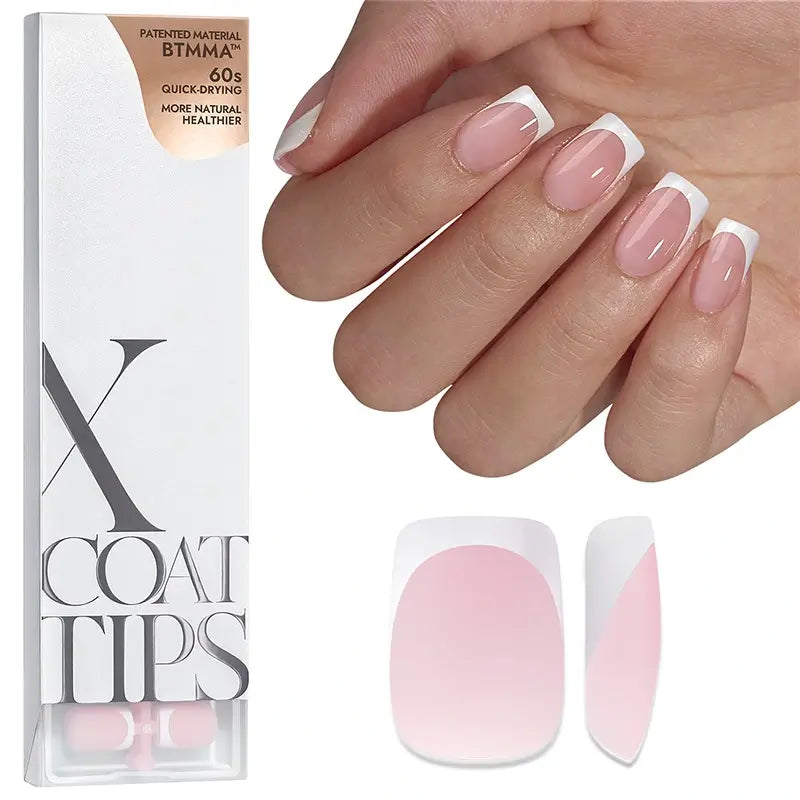
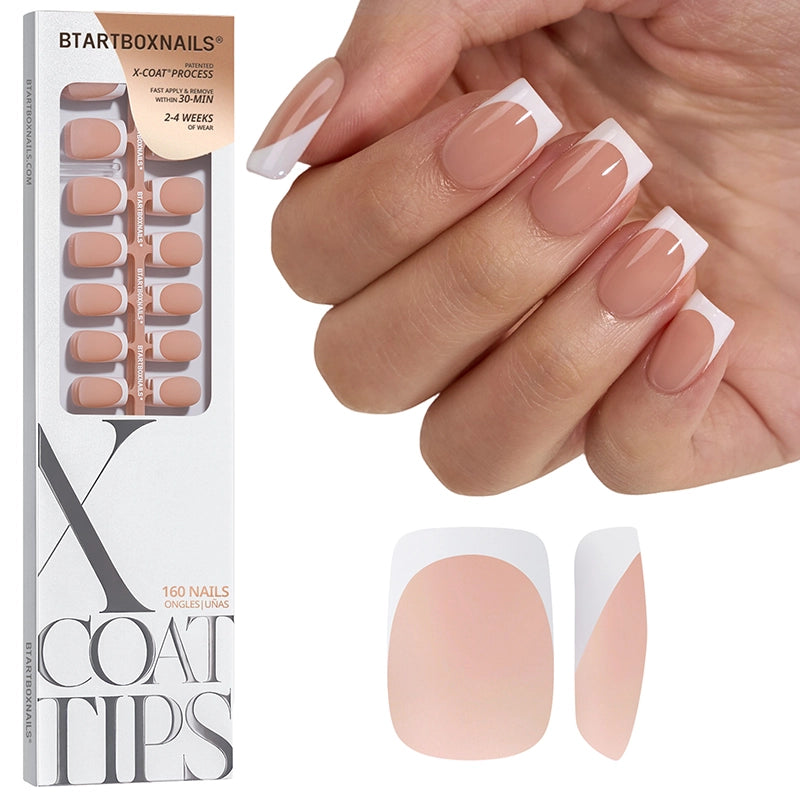
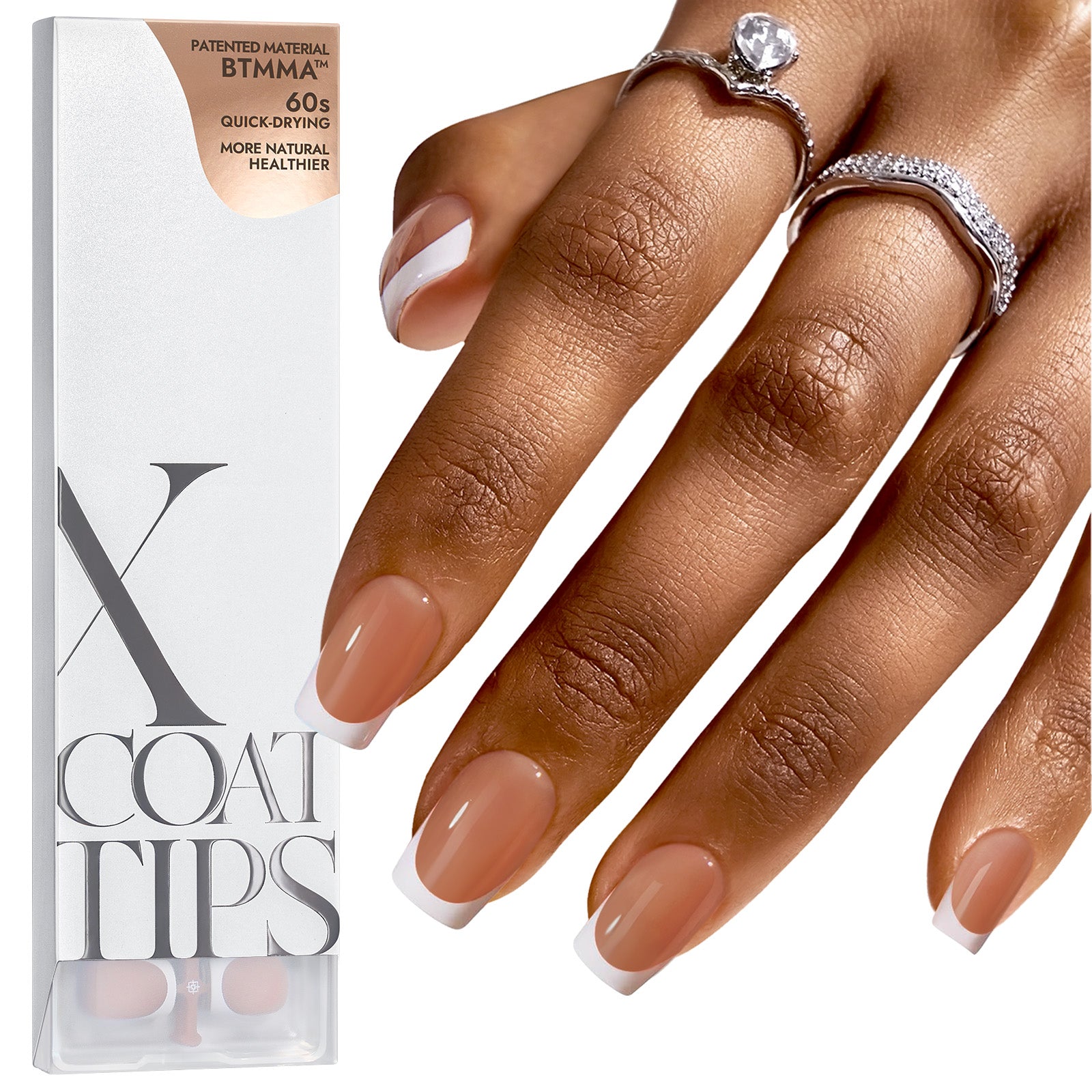
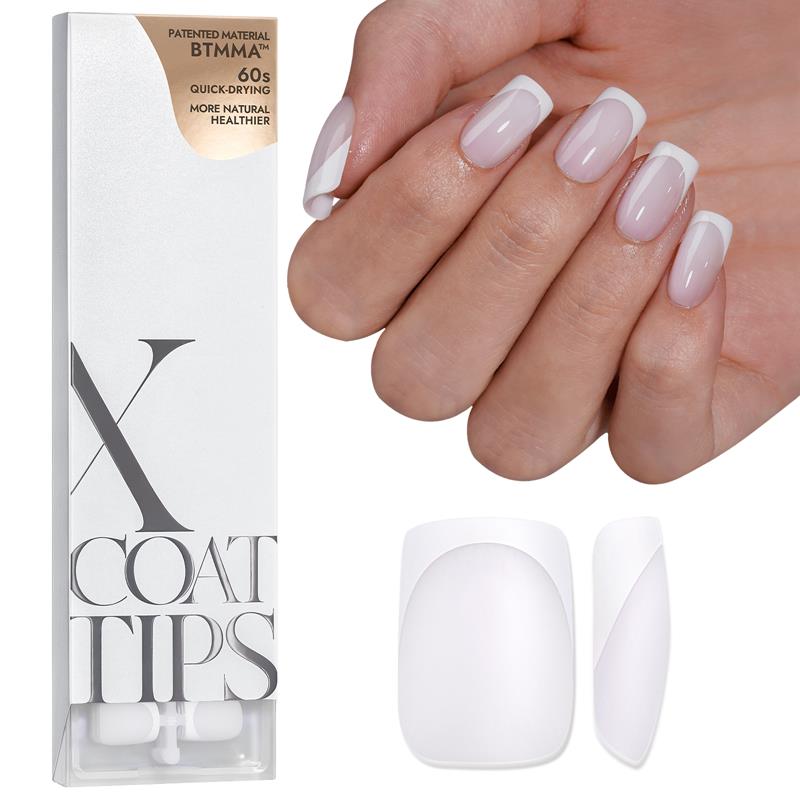
Some BTArtbox collections, including certain X-Coat Tips and French tip kits, include 15 sizes. These still cover the full 0–9 range but with slightly fewer half-size options. They work well for users whose measurements fall cleanly within the standard breakpoints.
10-to-12-size sets
Entry-level and seasonal collections may include 10 to 12 sizes. These are designed for average nail beds and may not include the extreme ends of the size spectrum (size 0 or size 9). If your calculator returns size 0 or size 9, verify that your chosen product includes those sizes before ordering.
Toe nail sets
BTArtbox also offers press-on toenails, which use a modified sizing system. The calculator is calibrated for fingernails only. For toenail sizing, BTArtbox provides a separate measurement guide on their toe nail product pages.
Common Sizing Mistakes and How to Avoid Them
Even with a calculator, users sometimes make errors that affect fit. Here are the most frequent mistakes and the fixes.
Measuring over existing product
Gel polish, builder gel, and acrylic overlays add measurable thickness to the nail plate. A user measuring over a thick gel manicure may read 15.5 mm when their natural nail is actually 14.5 mm. The fix: remove all product before measuring, or subtract approximately 0.5–1.0 mm from your reading.
Measuring the wrong point
Some users measure at the cuticle line, where the nail is narrowest, and end up with size codes that are one or two numbers too small. The result is a press-on that overhangs the sidewalls. The fix: always measure at the widest point of the nail plate, which is typically just below the center.
Assuming symmetry
Left and right hands are not identical. The dominant hand often has slightly wider nail beds due to increased blood flow and minor trauma over time. The calculator asks for one set of measurements, but for the most precise fit, measure both hands separately. If there is a significant difference (1.0 mm or more on any finger), consider ordering two sets in different sizes or choosing a 16-size set that covers both profiles.
Ignoring the fit rating
The calculator returns a fit assessment — Perfect, Snug, or Roomy — for each finger. Users sometimes ignore the "Roomy" warning and wonder why their nails lift after two days. The fix: if a finger shows "Roomy," apply a slightly thicker layer of glue at the sidewalls, or size down by one code if the difference is 2.0 mm or more.
How to Apply Press-On Nails for Maximum Wear After Sizing
Getting the size right is 70% of the battle. The other 30% is application. Here is the protocol we recommend after using the calculator.
Prep the natural nail
Push back cuticles with a wooden stick. Lightly buff the nail surface with a fine-grit file to remove shine and create texture for adhesion. Wipe with an alcohol pad or nail dehydrator to remove oils. Do not skip this step — oil is the leading cause of premature lifting.
Size-check before gluing
Lay out the press-on tips that match your calculator profile. Hold each one against the corresponding natural nail without glue. The press-on should cover the nail from sidewall to sidewall with no overhang. If one finger looks off, double-check your measurement for that finger.
Apply glue strategically
For solid gel glue, apply a thin layer to the natural nail and a small dot to the center of the press-on. For adhesive tabs, choose a tab that matches the press-on width exactly — a tab that is too wide will bunch at the edges and create lift points.
Press and hold
Align the press-on at the cuticle line first, then roll it down toward the free edge. Press firmly for 30 seconds. Do not slide the press-on around after contact — this creates air pockets.
Avoid water for the first hour
The glue needs time to set. Avoid washing hands, dishes, or showering for at least one hour after application. This alone can extend wear time by several days.
Frequently Asked Questions
What is a press-on nail size calculator?
A press-on nail size calculator is a digital tool that converts the width of your natural nail beds — measured in millimeters — into the exact size codes used by press-on nail manufacturers. Because the 0–9 system is an industry standard, your results work with BTArtbox and nearly every BTArtbox brand. Instead of guessing which size fits or ordering a set and hoping the included sizes work, the calculator tells you precisely which nail tip to place on each finger.
How do I measure my nails for press-on nails?
Measure the widest point of each natural nail bed in millimeters using a soft tape or small ruler. Record the width for your thumb, index, middle, ring, and pinky fingers. Enter these five numbers into the calculator. The tool will return a size code for each finger, the exact mm range for that code, and a fit assessment. Measure after removing all nail polish or gel for the most accurate result.
Will my size codes work with BTArtbox?
Yes. The 0–9 size system and the millimeter breakpoints used in the calculator are an industry standard. BTArtbox use the same or nearly identical ranges. When shopping BTArtbox collections, look for the size chart and match your code to the listed mm range. If a brand uses S/M/L instead of numbers, use your thumb code as the guide: sizes 0–2 = L, 3–5 = M, 6–9 = S.
What if my nail size is between two press-on sizes?
If your measurement falls between two size breakpoints — for example, 14.2 mm, which sits between size 4 (14.0 mm max) and size 5 (12.6–14.0 mm) — the calculator will assign the larger size by default. However, for the best fit, we recommend sizing down by one code if the difference is 0.5 mm or less. A slightly snug press-on looks more natural and lasts longer than one that overhangs the sidewalls.
Do left and right hands have different nail sizes?
Often, yes. The dominant hand typically has slightly wider nail beds due to increased blood flow and minor daily trauma. The calculator uses one set of measurements, but for maximum precision, measure both hands separately. If there is a 1.0 mm or greater difference on any finger, choose a 16-size set, which offers the most granular fit and can accommodate asymmetrical profiles.
How many sizes come in a BTArtbox press-on nail set?
BTArtbox sets range from 10 to 16 sizes per hand depending on the collection. Premium soft-gel lines like Aurora and Glazed Donut include 16 sizes (32 nails total). Standard collections include 15 sizes. Entry-level and seasonal sets may include 10 to 12 sizes. If your calculator returns size 0 or size 9, verify that your chosen product includes those extreme sizes before purchasing.
Can I reuse press-on nails after measuring and applying them correctly?
Yes — if you use adhesive tabs instead of glue. BTArtbox press-ons made from soft gel are durable enough for multiple wears when applied with tabs. To reuse, gently lift the press-on from the cuticle side using a wooden stick, clean the underside with alcohol, and store in the original packaging. If you used solid gel glue, the press-on is typically single-use because glue residue damages the interior surface upon removal.
Why do my press-on nails lift even when the size is correct?
Correct sizing prevents sidewall lifting, but lifting at the cuticle or center is usually an application issue. The most common causes are: (1) oil on the natural nail before application, (2) not pressing firmly for 30 seconds, (3) getting the nails wet within the first hour, and (4) using an adhesive tab that is too small for the press-on, creating air pockets. Fix these four issues and wear time typically doubles.
What is the best glue for press-on nails?
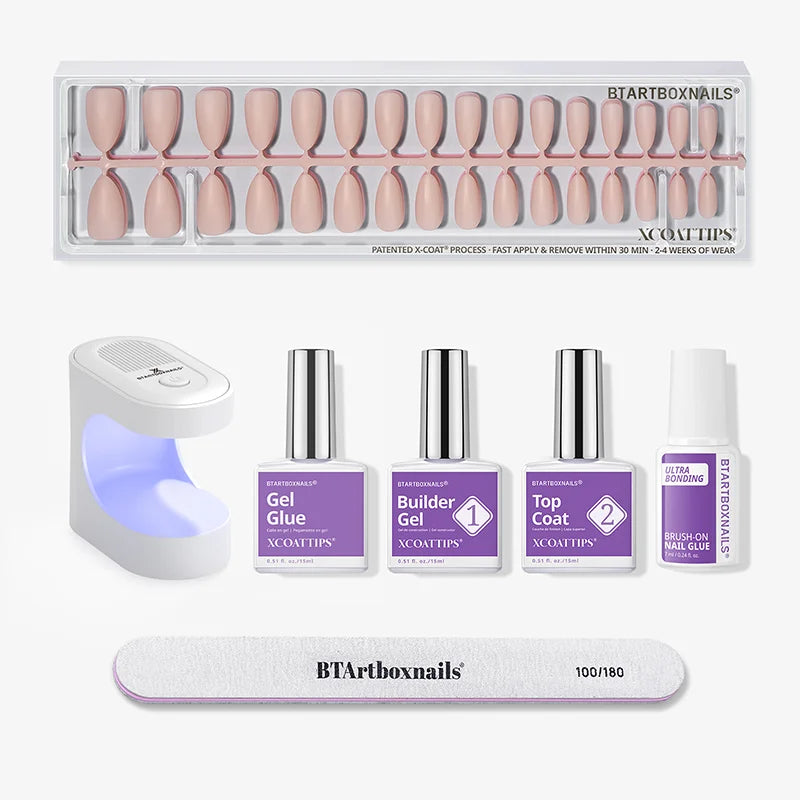
For maximum hold, use a solid gel nail glue or a 4-in-1 gel glue and primer kit. Solid gel glue creates a stronger bond than traditional brush-on glue and is less likely to degrade with water exposure. BTArtbox's 4-in-1 kit includes primer, base coat, builder gel, and top coat in one system, which is ideal for users who want a two-week wear time. For short-term wear or reusable sets, adhesive tabs are gentler and allow for easy removal.
Try the free Press-On Nail Size Calculator now and get your exact fit profile.
Conclusion
The press-on nail size calculator removes the single biggest barrier to a perfect at-home manicure: uncertainty about fit. By measuring your natural nail beds in millimeters and mapping those measurements to the industry-standard 0–9 size system, the calculator gives you a precise, finger-by-finger size profile in under a minute. These codes are portable — they work with BTArtbox and virtually every BTArtbox press-on collection.
No more guessing. No more returns. No more nails that lift after one day because the size 5 on your ring finger was actually a size 6. Pair the calculator with proper nail prep and the right glue, and the difference is immediate: a manicure that looks like it came from a salon, lasts up to two weeks, and costs a fraction of the price.